Skip to content
Offline. Open source. Yours.

The offline password manager with nothing to hack

IntelliWallet keeps every password, PIN and secret encrypted on your phone — never on a server, never in a cloud, never anywhere else. The entire engine is open source, and the essentials are free forever.

For iPhone, iPad and Android. No account, no sign-up.

IntelliWallet running on a phone
100% Offline
Open-Source Core
No Servers, No Cloud
Free Forever

Why offline is the point, not a limitation

Most password managers sync your vault through their own servers. That’s convenient — it’s also why a breach of their infrastructure can turn into a breach of your passwords. It has happened to some of the biggest names in the industry.

IntelliWallet takes the opposite approach: there is no server. Your vault is created, encrypted and stored only on your device. There is nothing in the middle to breach, because there is nothing in the middle at all.

And instead of asking you to simply trust that claim, we let you check it: the entire engine that encrypts and stores your data, iwcore, is open source. Any developer or security researcher can read exactly how your vault is protected.

The honest trade-off

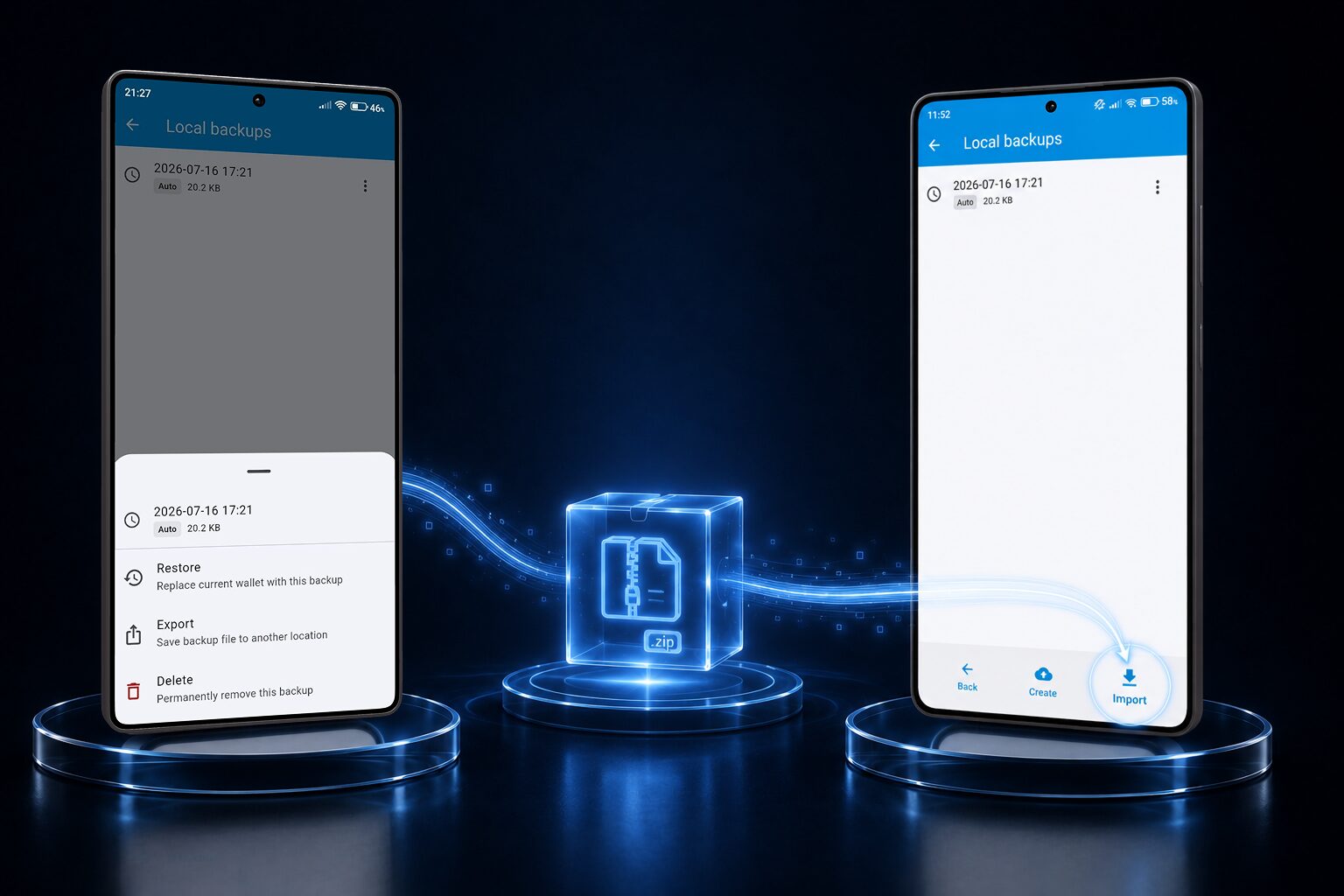
Because there’s no server, there’s no automatic sync between your phone and your tablet either. Moving to a new device means exporting an encrypted backup and importing it yourself — a couple of minutes of manual work instead of an invisible sync. We think that’s a fair price for a password manager with no cloud account to phish, no server to breach, and no company sitting between you and your data.

Everything a password manager should do — free

No paywalled basics. Unlimited entries, folders and fields, from the very first launch.

Unlimited entries & folders

Organize logins, cards, notes and more in nested folders — no caps, no quotas, ever.

23 ready-made templates

Web logins, bank accounts, crypto wallets, Wi-Fi, SSH, insurance and more, pre-built with the right fields.

Face ID / fingerprint unlock

Unlock fast with biometrics backed by your device's secure hardware — your master password still guards the vault itself.

Automatic local backups

Weekly backups saved on your device automatically, so one mistake never costs you your whole vault.

Light, dark & custom themes

Make it yours — themes, fonts, and 270+ icons for entries, folders and fields.

No ads, no tracking, no account

Nothing to sign up for, nothing watching how you use it. Install it and start.

Free forever, with an optional Premium

The core of IntelliWallet — encryption, unlimited entries, templates, 2FA, biometrics, themes — is free forever. Premium adds a handful of conveniences for people who want them.

Free forever

Free

Everything you need, every day

  • Unlimited entries, folders and fields
  • 23 templates and 20+ field types
  • Built-in TOTP two-factor codes
  • Face ID / fingerprint unlock
  • Automatic weekly local backups
  • Light, dark & auto themes, 28 languages
Optional, annual

Premium

A few extra conveniences

  • Instant search across your whole vault
  • Favorites for one-tap access
  • Manual backups & custom schedule
  • History — restore deleted entries and fields
  • Export to PDF, CSV, JSON or XML

Premium pricing depends on your country and app store, and is always shown inside the app before you pay — we won't quote a number here that might be wrong for you.

Built to be verified, not just trusted

Every password manager asks you to trust it with your most sensitive data. We'd rather show you.

Open-source encryption engine

iwcore, the engine that encrypts and stores your vault, is public on GitHub under the MIT license — read every line, or build your own client on top of it.

Nothing leaves your device

IntelliWallet makes no network calls related to your vault content. There's no account, no analytics, no telemetry to opt out of.

Your master password never leaves your head

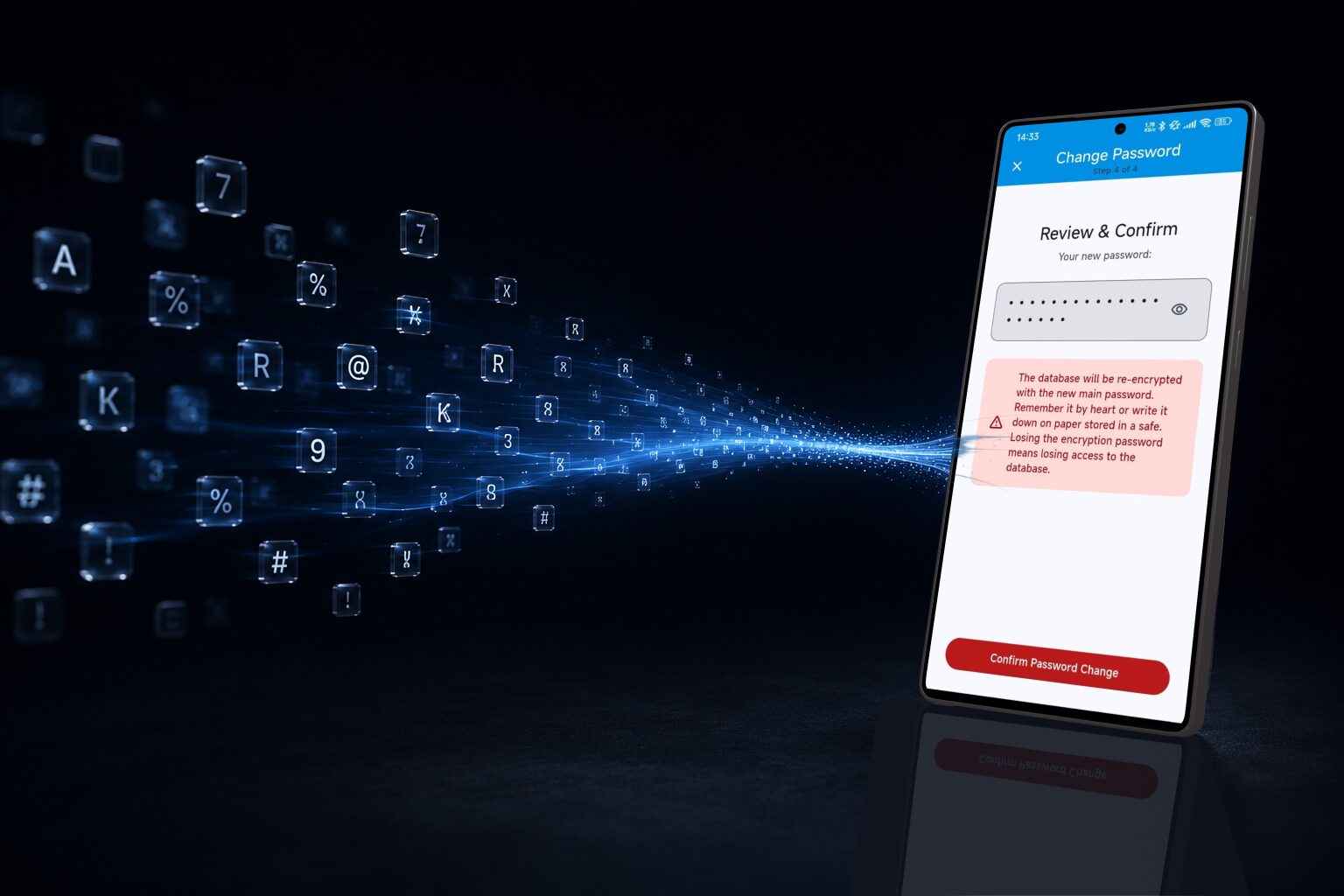
It unlocks your vault locally and is never stored or transmitted anywhere — which also means we cannot reset it for you if it's lost.

Optional cloud backup, off by default

If you turn on iCloud or Google Drive backup yourself, your still-encrypted vault file rides along with your normal device backup. We never see it either way.

View the source on GitHub

See it in action

A one-minute look at IntelliWallet.

Common questions

Why should I trust an offline app with my passwords?
Because you don’t have to take our word for it. The entire encryption and storage engine, iwcore, is open source, so anyone can audit exactly how your vault is protected. And since the app never talks to a server, there’s no account of yours to breach in the first place.
What happens if I lose my phone or forget my master password?
Your data is only recoverable with your master password — that’s the whole point of real encryption. If you keep periodic backups (IntelliWallet makes these automatically), you can restore your vault on a new device once you have that backup file and remember your password. Without the password, nobody — including us — can unlock it.
How do I move my passwords to a new phone without a cloud account?
Create a backup from the Backup menu, transfer the file to your new device however you like, then open it in IntelliWallet. It takes a couple of minutes — see our step-by-step guide.

See the full FAQ →

Get IntelliWallet

Free to download. Free to use. Nothing to configure before you start.