
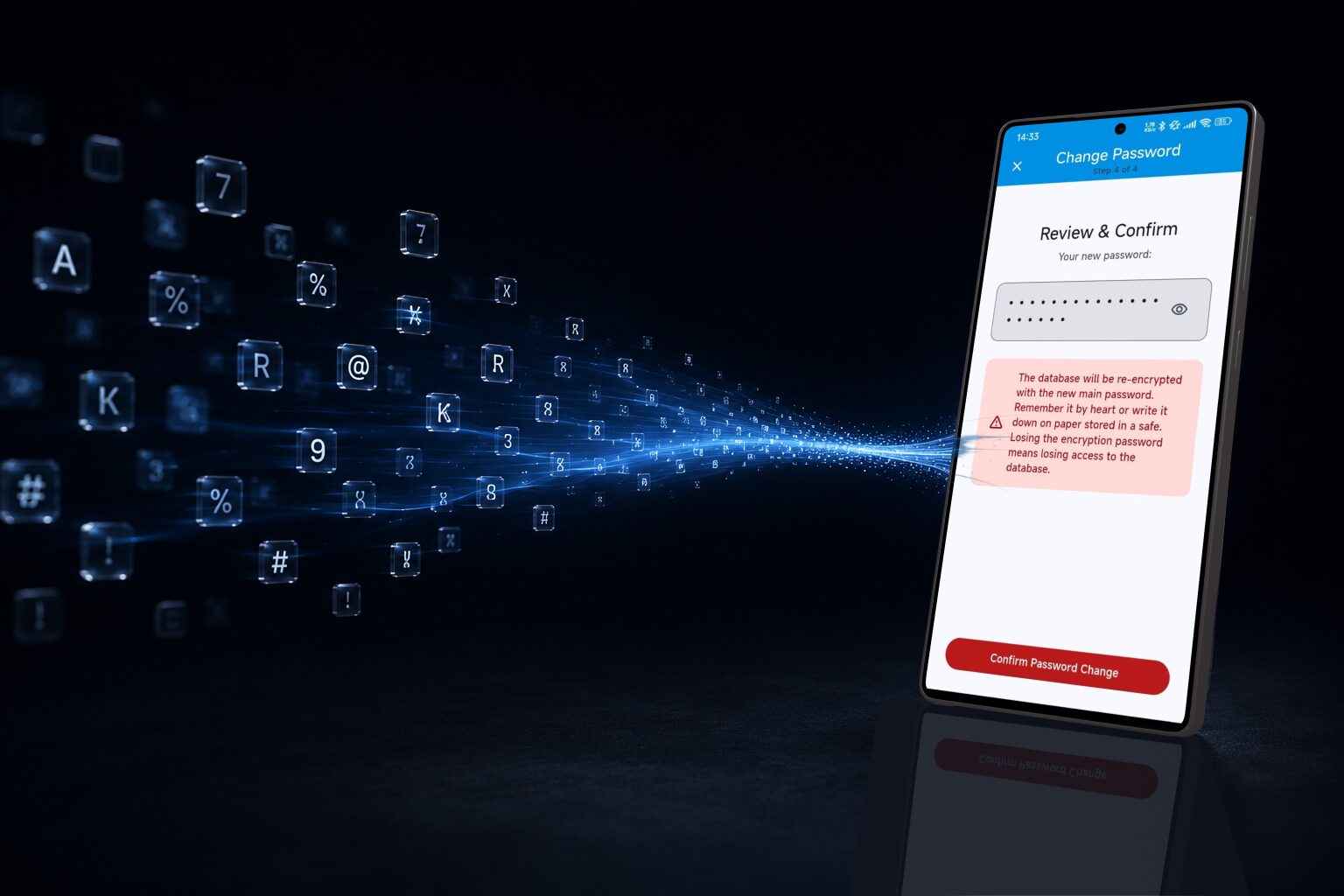
Here’s a sentence that should make anyone pause: if you forget your IntelliWallet master password, nobody — not us, not anyone — can get it back for you. No “forgot password” email, no support ticket that fixes it. That’s not a limitation we’re apologizing for; it’s what real encryption means. Your master password is the only key, and it only works if you can actually remember it.
So let’s talk about how to pick one that’s both strong and something you’ll still remember in six months.
Why “Tr0ub4dor&3” is not the answer
Most advice about strong passwords is built for a world where you’re memorizing one password for one website. A master password is different — it needs to be strong enough to protect everything, and simple enough to type from memory, possibly with one thumb, half-asleep, without a hint anywhere.
Random strings of substituted characters (P@ssw0rd!23) feel secure but are surprisingly weak against modern cracking tools, and — worse for our purposes — genuinely hard to remember under stress, like the moment you’re setting up a new phone.
Use a passphrase instead
The approach security researchers actually recommend is a passphrase: several unrelated words strung together. Something like:
harbor-planet-couch-42
This looks less “secure” than a jumble of symbols, but it’s the opposite. Length beats complexity — a four-or-five-word phrase has more possible combinations than a shorter string of mixed characters, while being dramatically easier for a human brain to hold onto.
A few tips for picking your words:
- Use words that don’t relate to each other. “Blue-sky-cloud-rain” is a story your brain can guess its own way into. “Harbor-planet-couch” has no internal logic to shortcut.
- Add a digit or two, but don’t overthink where. It doesn’t meaningfully increase security to bury it in a weird spot — just tack an actual number onto one word, like the
42above. Spelling the number out as a word (“forty-two”) is really just one more dictionary word to a cracking tool, so use the digits themselves. - Make it personally memorable, not personally guessable. A private phrase built from an inside joke or a strange dream works well. Your pet’s name and birth year does not — that’s usually the first thing an attacker (or a nosy relative) will try.
- Say it out loud once or twice while setting it up. Typing a phrase while sub-vocalizing it helps it stick in muscle memory, the same way you remember your own phone number without “thinking” about it.
IntelliWallet’s built-in password generator can even create a memorable password for you in this style — a set of real words with digits mixed in — if you’d rather not invent your own from scratch.
Where to actually keep it
A strong master password only helps if you don’t lose it. Write it down once, on an actual piece of paper — not a phone note, not a file called passwords.txt — and keep that paper in a real safe, if you have one, or another secure physical spot only you (or someone you trust) can get to. A password manager’s whole job is to make sure you only ever have to protect one secret really well. Give that one secret the attention it deserves, and let IntelliWallet take care of the rest.