
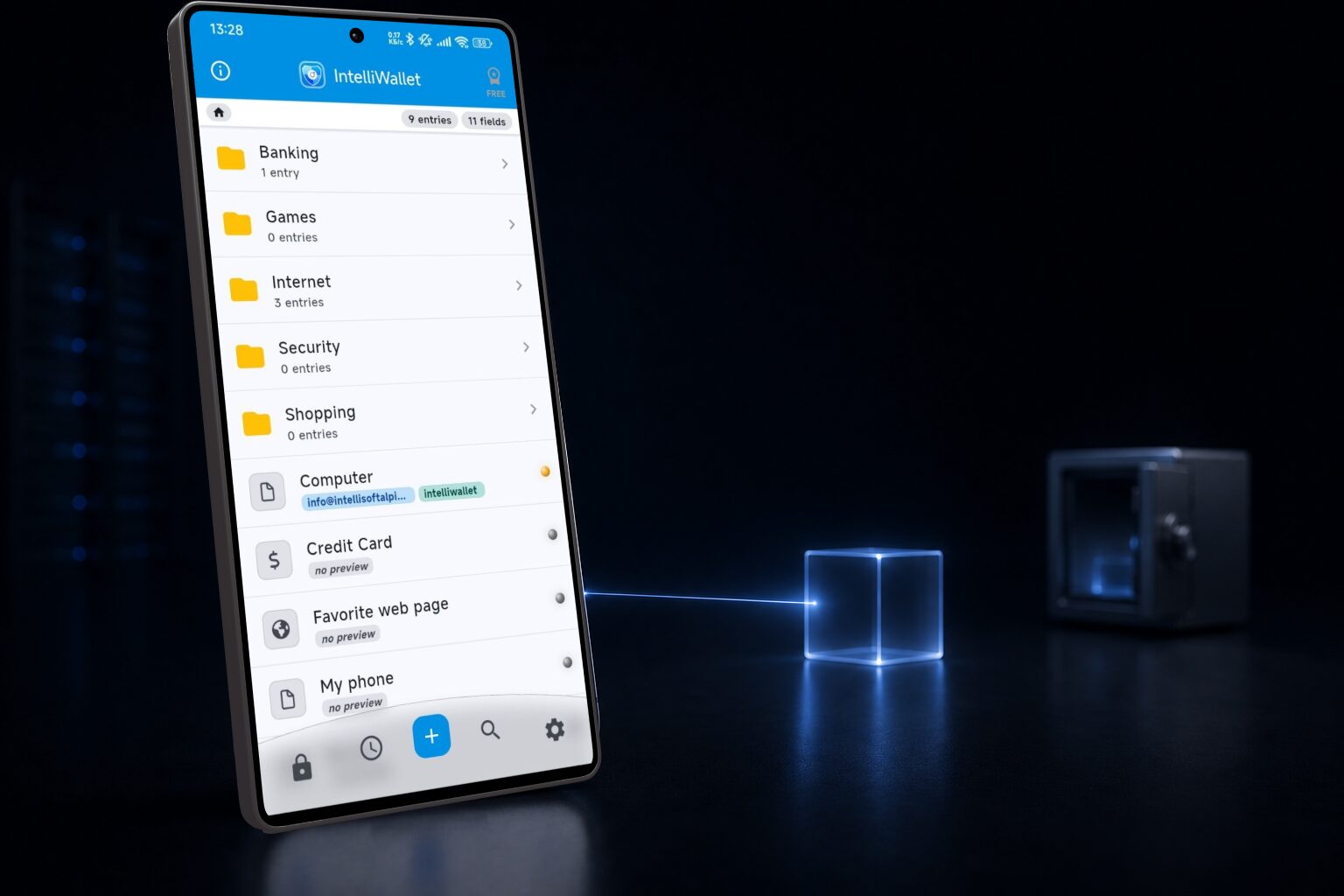
If you’ve used a password manager before, you’ve probably gotten used to a certain kind of magic: you save a password on your phone, and it just appears on your laptop a minute later. That’s genuinely convenient. It’s also the reason we don’t do it.
What “the cloud” actually means for a password manager
When a password manager syncs across your devices, your encrypted vault has to live somewhere in between — usually on a server run by the company that made the app. That’s not a criticism; it’s just how sync works. But it means your vault, even encrypted, now depends on a piece of infrastructure you don’t control and mostly can’t see.
And infrastructure gets attacked. It doesn’t matter how good a company’s intentions are — servers get breached, misconfigured, or subpoenaed. When that happens to a password manager, the story is always the same: “your data was encrypted, so you’re probably fine,” followed by months of “probably.”
IntelliWallet skips that whole category of risk by not having a server in the first place.
Nothing to hack, nowhere to leak
Your vault is created, encrypted, and stored only on your own device. There’s no account to sign into, no company database holding a copy of your (encrypted) data, and no network request that could be intercepted, logged, or subpoenaed. If you check your phone’s app permissions, you’ll find IntelliWallet doesn’t even ask for network access to function — because it doesn’t need one.
We don’t ask you to just take our word for that, either. The entire engine that encrypts and stores your vault — iwcore — is open source, published under the MIT license. Any developer, journalist, or security researcher can read exactly how your data is protected, line by line, instead of trusting a company’s marketing page. That’s a very different kind of “trust us” than most apps offer.
The honest trade-off
We’d rather tell you the downside directly than pretend it doesn’t exist: without a server, there’s no automatic sync. If you add a password on your phone, it won’t magically appear on your tablet. Moving to a new device means creating a backup and importing it yourself — a couple of minutes of deliberate action, not an invisible background process.
We think that’s a fair trade. A few minutes of manual work, occasionally, in exchange for a password manager with no cloud account to phish, no server to breach, and no company standing between you and your own data. If your priority is frictionless sync above everything else, there are other tools built for that. If your priority is knowing exactly where your most sensitive information lives — and being able to verify it — that’s what IntelliWallet is for.
Free, because privacy shouldn’t be a premium feature
The features that make this possible — real encryption, unlimited entries, backups, biometric unlock — are free forever in IntelliWallet, with no account and no ads. We do offer an optional Premium subscription for extra conveniences like search and export, but the privacy story isn’t the upsell. It’s the whole product.